

Legal Pages For Bloggers – The Perfect Solution
Running a blog or any website comes with a level of freedom that few other careers can offer. You get to be your own boss, set your own hours, and write about what you love. But with that freedom comes a lot of responsibility.
One of the less glamorous, but incredibly important, responsibilities is website compliance. Legal jargon, privacy policies, cookie consents—it can feel like a minefield. You started this journey to share your passion, not to become a legal expert.
Navigating the complex world of GDPR, CCPA, and accessibility standards can be overwhelming. Most bloggers go years without knowing that they need to have a Privacy Policy or Terms & Conditions page on their website.
A single misstep can lead to hefty fines and damage the trust you’ve worked so hard to build with your audience. This is where tools designed to simplify the process become invaluable. For WordPress users, the market has several options, but today we’re diving deep into one that aims to be an all-in-one solution: the WPLP Compliance Platform.
This isn’t just another plugin review. I’m going to walk you through my personal experience using it, from installation to the nitty-gritty details of its features. In this sponsored post, we’ll look at what it promises, how it delivers, and whether it’s the right tool to give you peace of mind and let you get back to what you do best—creating amazing content.
What is the WPLP Compliance Platform?
At its core, the WPLP Compliance Platform is a powerful WordPress tool designed to help website owners meet a wide range of legal and accessibility requirements. Think of it as your digital legal assistant. Instead of juggling multiple plugins for cookie banners, privacy policies, and accessibility features, WPLP bundles them into a single, cohesive dashboard.
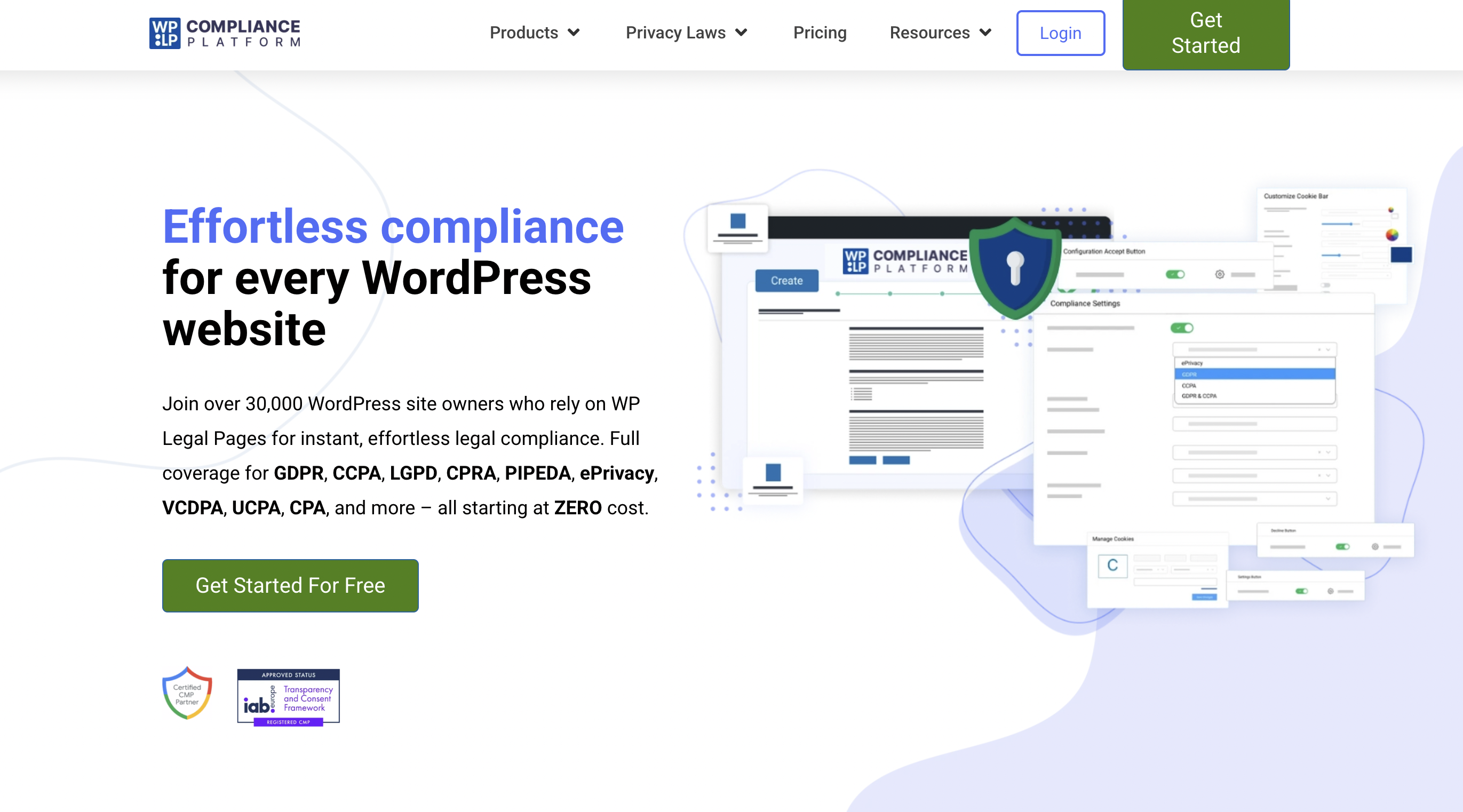
The goal is simple: to make website compliance less of a headache. The plugin automates many of the tedious tasks involved in adhering to regulations like the General Data Protection Regulation (GDPR) in Europe and the California Consumer Privacy Act (CCPA).
It also includes tools to help you align with Web Content Accessibility Guidelines (WCAG), making your site more usable for people with disabilities. For bloggers and small business owners, this is huge. It means less time worrying about legal risks and more time focusing on growth.
Key Features That Make a Difference
A plugin can talk a big game, but its true value lies in its features. WPLP comes packed with tools, and after putting it through its paces, a few stood out as particularly impactful.
Comprehensive Cookie Management
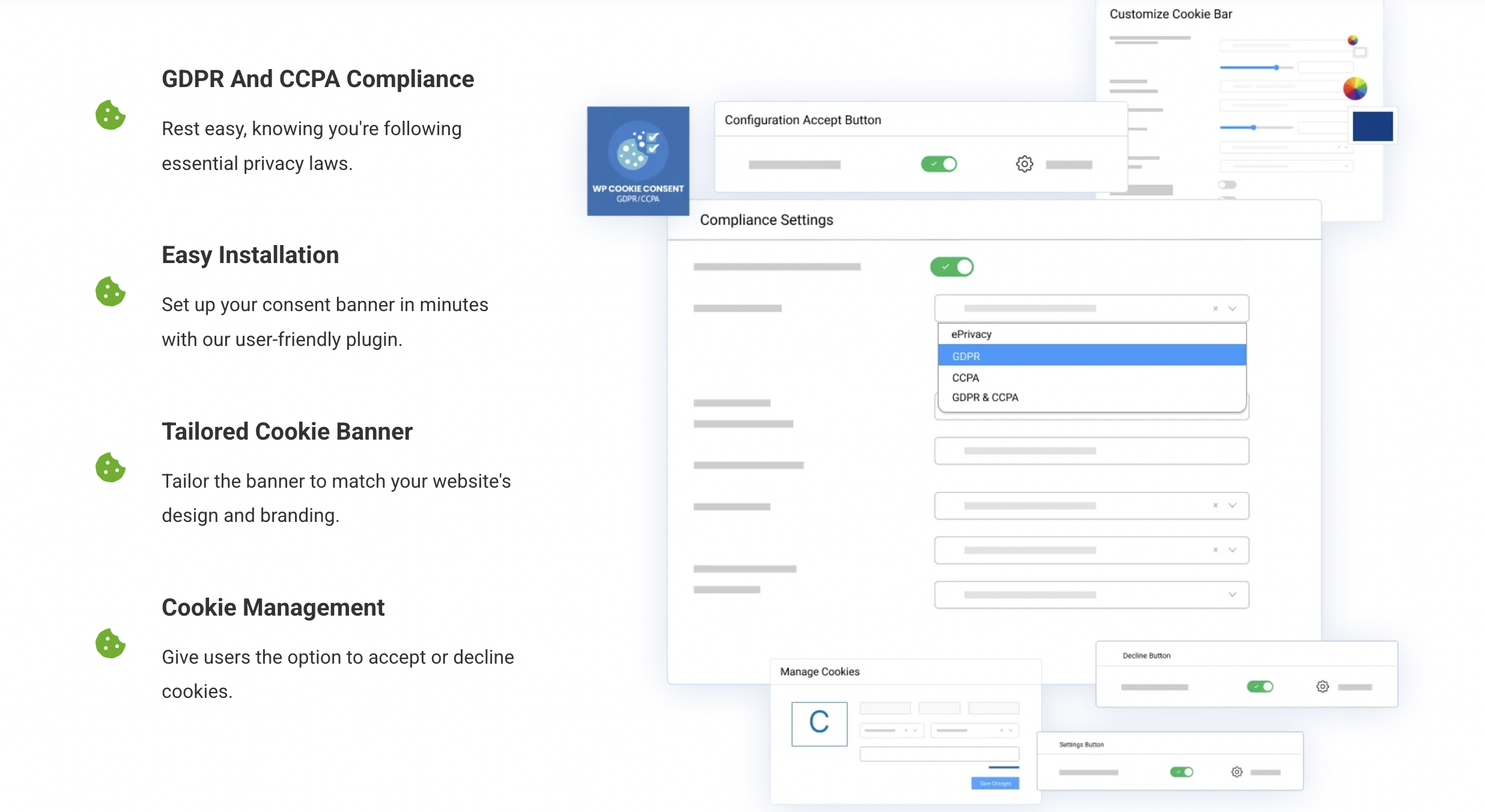
Cookie consent banners are everywhere, but not all are created equal. A non-compliant banner can be just as risky as having none at all. WPLP’s cookie management system is robust and highly customizable.
Upon activation, it automatically scans your website to detect the cookies and scripts your site uses. This is a fantastic starting point because many of us don’t even know every single cookie that third-party tools (like Google Analytics or a Facebook Pixel) add to our site.
Here’s what you can do with it:
- Customizable Banners: You can design the look and feel of your cookie banner to match your brand. Change colors, text, and button styles to ensure it doesn’t feel out of place.
- Granular Consent: The tool allows visitors to give consent for specific categories of cookies (e.g., necessary, analytics, marketing). This level of control is a key requirement of GDPR. Your visitors can opt-in to what they’re comfortable with, which builds trust.
- Consent Log: WPLP securely logs user consents, providing you with a verifiable record in case you ever need to demonstrate compliance. This log is anonymized to protect user privacy.
- Script Blocking: This is perhaps the most critical feature. The plugin can automatically block scripts from running until the user gives their consent. This is a non-negotiable aspect of true compliance, and WPLP handles it effectively.
Setting this up was surprisingly straightforward. The initial scan took a few minutes, and from there, organizing the detected cookies into categories was a simple drag-and-drop process.
Automated Legal Page Generation
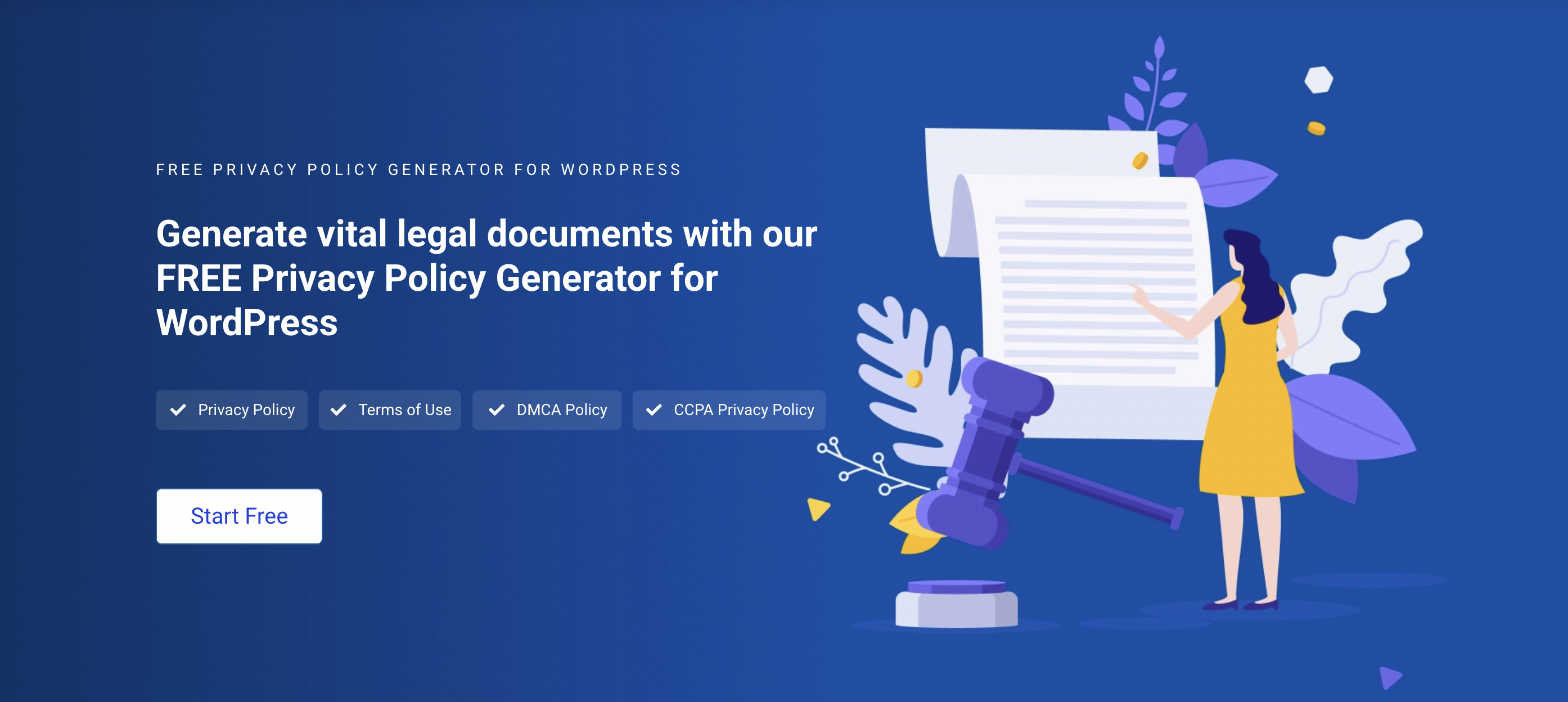
How many hours have you thought about sinking into writing a privacy policy? These are complex legal documents, and a template you find online might not cover your specific needs. This is where I found WPLP to be a massive time-saver.
The solution includes a generator for essential legal pages, including:
- Privacy Policy
- Terms and Conditions
- Cookie Policy
- Disclaimer
You’re guided through a wizard that asks you questions about your website and your business practices. For example, it will ask what kind of data you collect (names, emails), how you collect it (contact forms, comments), and if you use third-party services. Based on your answers, it generates a comprehensive policy tailored to your site.
The generated text is impressively thorough. While the plugin rightly suggests having a legal professional review the final documents, the generated drafts are a massive leap forward from starting with a blank page. For many bloggers and small businesses, this feature alone could justify the investment.
Accessibility Tools (WCAG & ADA)
Website accessibility is not just a “nice-to-have”; it’s a crucial part of creating an inclusive internet and, in many regions, a legal requirement. Making your site accessible to users with visual, auditory, or motor impairments can be a complex technical challenge.
WPLP includes an accessibility widget that provides on-page tools for your visitors. When a user clicks the widget, it opens a control panel allowing them to:
- Increase or decrease text size.
- Change to a grayscale color scheme.
- Use a high-contrast or negative-contrast mode.
- Underline all links.
- Switch to a more readable font.
This widget empowers users to adjust your site to their needs without requiring you to make permanent, site-wide design changes. While this doesn’t replace the need for fundamentally accessible web design (like using proper alt text for images and semantic HTML), it’s a significant step in the right direction and demonstrates a commitment to inclusivity. It shows your audience that you care about their experience.
The User Experience: Is It Easy to Use?
A powerful tool is useless if it’s too complicated to configure. As someone who values an intuitive user interface, I was keen to see how WPLP measured up. My experience, from installation to full setup, was overwhelmingly positive.
Installation and Setup Wizard
Getting started is as simple as installing any other WordPress plugin. Once activated, you’re greeted by a clean, modern dashboard and a setup wizard. This wizard is your best friend for the first 30 minutes. It holds your hand through the most critical steps:
- Choosing Regulations: You select the regulations you need to comply with (like GDPR or CCPA).
- Configuring the Cookie Banner: It helps you set the basic style and text for your banner.
- Generating Legal Pages: It launches the policy generation wizard I mentioned earlier.
- Setting Up Accessibility: You can enable and customize the accessibility widget.
This guided process removes the guesswork. You don’t have to hunt through settings menus to figure out what to do first. By the end of the wizard, your site already has a foundational layer of compliance in place.
The Dashboard and Interface
The main WPLP dashboard is well-organized. It provides a compliance “health check” at a glance, showing you what’s configured correctly and what still needs your attention. The navigation is logical, with clear sections for Cookie Management, Legal Pages, Accessibility, and User Consents.
Everything felt responsive and quick. I never found myself waiting for pages to load or wondering where a specific setting was located. The design is modern and uncluttered, which helps reduce the sense of overwhelm that often comes with legal compliance tools. It’s clear that a lot of thought went into making the user experience as smooth as possible. You can tell it was built for users, not just for developers.
The Real-World Benefits: Peace of Mind for Creators
So, what does all this mean for you, the blogger or website owner? Using WPLP is about more than just ticking boxes on a compliance checklist. It’s about securing your business and building a stronger relationship with your audience.
- Avoiding Legal Risks: This is the most obvious benefit. Fines for non-compliance with GDPR can be astronomical—up to 4% of annual global turnover or €20 million, whichever is greater. While that’s the extreme, even smaller fines or legal challenges can be devastating for a small business. WPLP provides a strong defense by helping you implement the necessary technical and organizational measures.
- Building Trust with Your Audience: In an age of data breaches and privacy concerns, users are more conscious than ever about how their data is used. A clear, compliant cookie banner and an accessible privacy policy show your visitors that you respect their privacy. This transparency fosters trust, which is the cornerstone of a loyal audience.
- Improving User Experience: The accessibility widget directly improves the on-site experience for a segment of your audience. A well-designed, non-intrusive cookie banner also contributes to a better overall experience compared to the obnoxious, confusing pop-ups we’ve all encountered.
- Saving Time and Money: Think about the cost and time involved in hiring a developer to implement script blocking, a lawyer to draft policies, and an accessibility expert to audit your site. While WPLP doesn’t entirely replace these professionals for large corporations, it provides an incredibly affordable and efficient solution for the vast majority of website owners. The time you save can be reinvested directly into creating content and growing your blog.
An Honest Review: The Pros and Cons
No tool is perfect. To give you a truly honest perspective, it’s important to look at both sides of the coin.
What I Loved (Pros)
- All-in-One Solution: The biggest advantage is having everything in one place. Managing one tool instead of three or four simplifies your workflow, reduces potential plugin conflicts, and ensures a consistent approach to compliance.
- Ease of Use: From the setup wizard to the intuitive dashboard, WPLP is genuinely user-friendly. You don’t need to be a tech expert to get it up and running effectively.
- Powerful Script Blocker: The automatic script blocking based on user consent is a standout feature. It’s a technically complex task that the plugin handles seamlessly, which is essential for true GDPR compliance.
- Thorough Policy Generator: The legal page generator is a huge time-saver and produces high-quality, detailed documents that provide a fantastic starting point for your legal pages.
- Excellent Support and Documentation: Throughout my testing, I explored their documentation. It’s clear, comprehensive, and filled with helpful guides. While I didn’t need to contact support, knowing it’s there provides extra confidence.
Where There’s Room for Improvement (Cons)
- Learning Curve for Advanced Customization: While the basics are simple, diving into the advanced settings for the cookie banner or script manager can feel a bit daunting at first. There are a lot of options, which is great for control but requires some time to master.
- Potential for Over-Reliance: The tool is so good that it can be tempting to “set it and forget it.” However, compliance is an ongoing process. You still need to periodically review your policies and run cookie scans, especially after adding new plugins or services to your site. The plugin can’t do everything for you. It’s a tool, not a replacement for your own due diligence.
- Resource Usage: Like any powerful plugin, WPLP adds to your site’s overhead. On a well-optimized site, the impact was negligible in my tests. However, on a shared hosting plan with a very heavy theme and dozens of other plugins, you might want to monitor your site’s performance after installation.
- Not a Replacement for Legal Expertise: No matter how comprehensive a plugin may seem, it cannot replace the expertise of a qualified attorney. A lawyer-drafted template ensures that your policies are custom-tailored to your specific needs and are fully compliant with any applicable laws. WPLP is an excellent tool to streamline compliance efforts, but for peace of mind and full legal protection, consulting a professional remains invaluable. Always consider using WPLP alongside professional legal advice for the best results.
Final Verdict: Is WPLP Worth It?
After spending considerable time with the WPLP Compliance Platform, my recommendation is a resounding yes. It delivers on its promise to simplify the complex and often stressful world of website compliance.
This tool is ideal for bloggers, freelancers, small business owners, and anyone running a WordPress site who doesn’t have a dedicated legal team on standby. It empowers you to take control of your compliance obligations confidently and efficiently. The peace of mind that comes from knowing you have a robust system in place is invaluable. It frees you from worry and allows you to focus your energy back on the creative work that inspired you to start your website in the first place.
While no plugin can offer a 100% guarantee against legal issues, WPLP gets you as close as possible with an automated tool. It’s a smart, strategic investment in the long-term health and security of your online presence. If you’re ready to stop stressing about compliance and start building your blog with confidence, I highly recommend giving the WPLP Compliance Platform a try.
READ NEXT –> 10 Must Have WordPress Plugins For Bloggers
Related Reads For New Bloggers:
- How To Legally Use Photos On Your Blog
- The Four Legal Pages You Need to Have on Your Website
- How To Create A Free Email Course In Mailerlite
- How To Brainstorm SEO Friendly Blog Post Ideas with Keysearch
The Solution That New Bloggers Need For Adding Legal Pages

Thank you for always being open and honest with your readers It’s refreshing to see a blogger who is unafraid to be vulnerable and real